
SEE WHAT YOU GET
A sample pattern you can open, print and inspect.
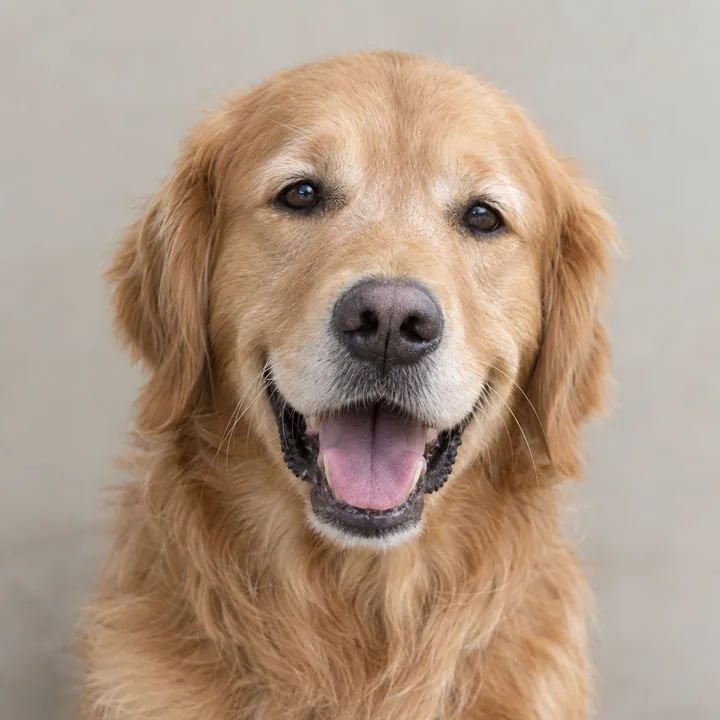
Here is a golden retriever pattern made with the same geometry checks and file export used for custom orders. Download the PDFs and carving map without an account.
The sample is Standard difficulty, 180 × 180 mm (about 7.1 inches), including the white margin. The photo is an AI sample we can publish. The pattern, PDFs and numbered map are actual CarveKin output.
What do our checks cover? · How to read the carving map
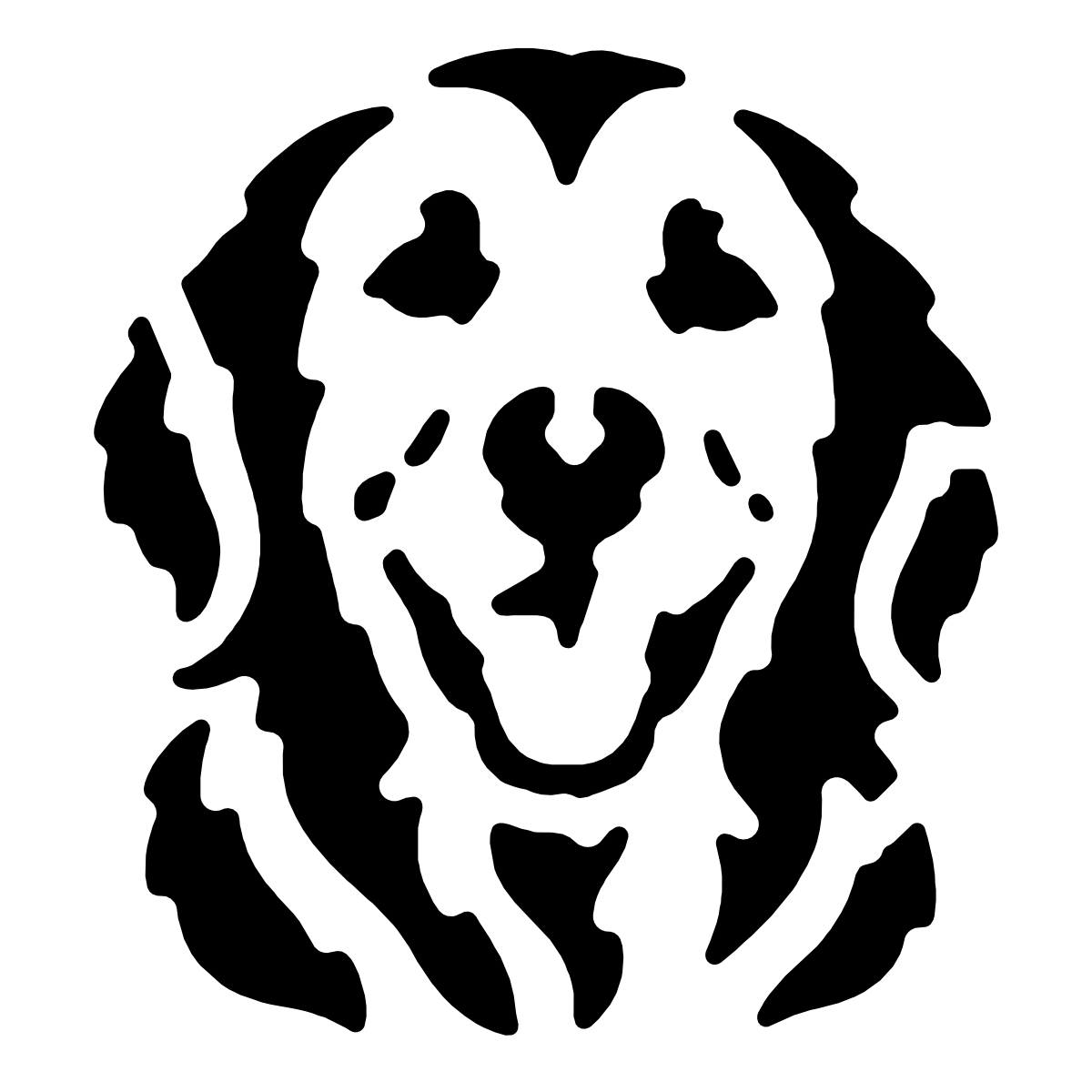
Print the PDF at actual size
Choose the PDF for your paper, then select 100% or Actual size in the print dialog. Measure the 50 mm bar before transferring the pattern. This sample fits on one Letter or A4 sheet. Your own selected size may use several sheets with alignment marks.
Changing the print percentage also changes every support and gap. To use a different size for a custom pattern, request that size in CarveKin so we can check it again. More help with printing and tiled pages.
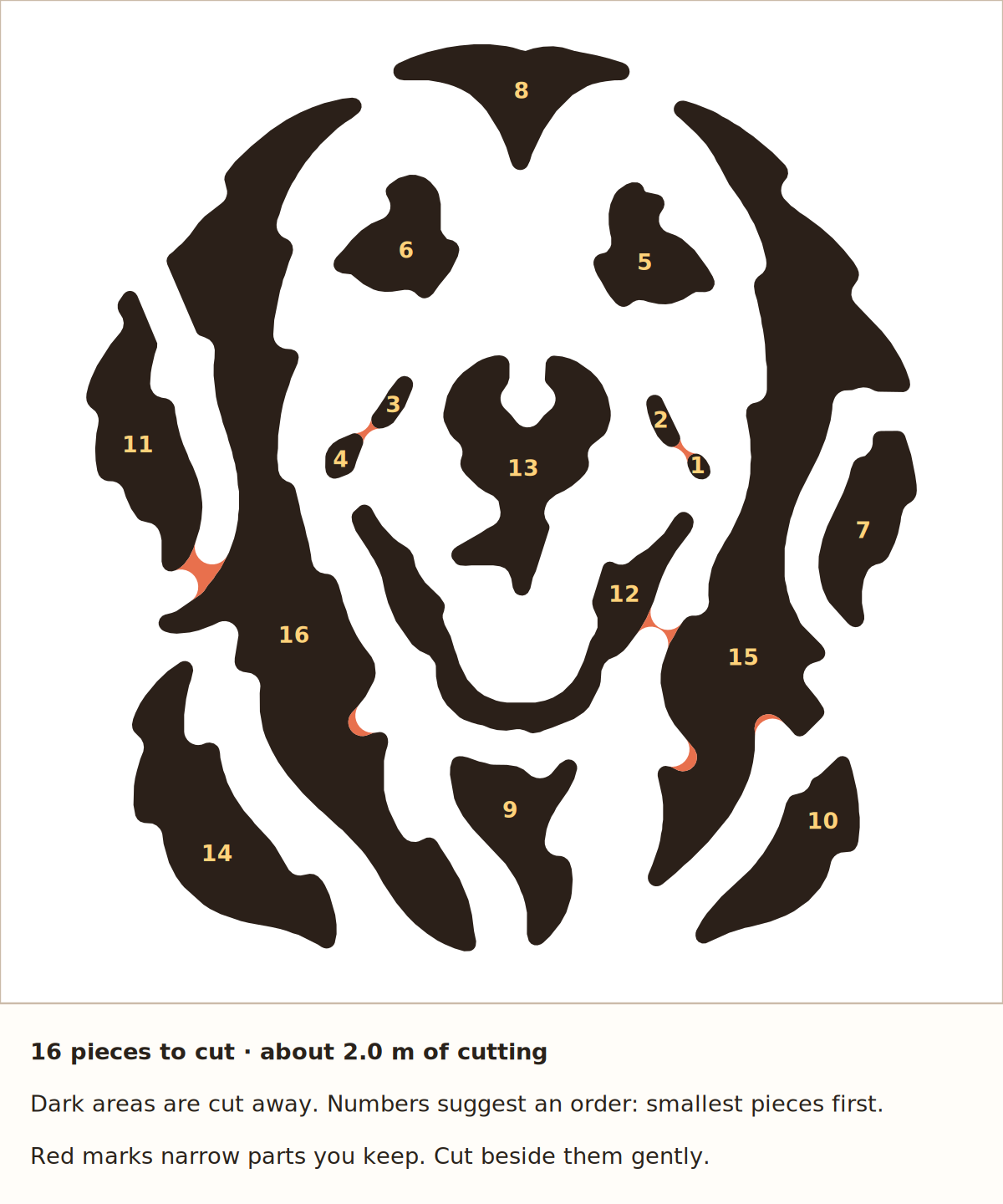
Read the numbered carving map
The map suggests an order for the cut-out pieces, starting with smaller details while more pumpkin is still in place. Dark areas are cut away. Red marks narrow parts you keep: they passed the drawing checks, but deserve a gentle hand.
What CarveKin checks before you print
Turning a photo into a black-and-white picture is only the start. We check the shapes that would be cut away and the material that would remain, at your chosen size and difficulty. Designs that fail are repaired, tried again or withheld from the printable choices.
Floating pieces
A white pupil inside a black eye can look right on screen but fall out when you cut around it. We check that kept pieces connect to the rest of the pattern. A bridge can connect a floating center to the surrounding pumpkin.
Narrow supports and space for cuts
A connection can exist but still leave too little material beside a cut. We check the space around connections, whether there is room to start cutting each cut-out shape, and long thin details that extend beyond those supports. Easier settings use broader shapes. We also screen for large areas hanging from narrow necks and cutouts that need extra supporting strips.
Repairs can simplify details or add bridges. Some photos only produce passing choices at a harder difficulty, which we show before you choose. See more examples of bridges and weak supports.
Your chosen size and the exported pattern
The checks use millimeters at the size you selected. We also check that the exported shapes match the approved drawing and that the PDF uses the intended physical scale and page layout. We check a rendered image of those shapes separately to catch disagreements.
What the checks leave to you
These are checks on a drawing. They do not measure your pumpkin's wall thickness or firmness, predict how it will survive your tools, or certify that the pattern resembles the photo. Review your design choices, use care around small details, and follow the printing scale bar.
If we cannot produce an approved pattern, your credit remains available for a retry and you can request a refund. If the pattern clearly does not resemble your subject, you can request a refund within 30 days. Refund details and how to contact us.
Make one from your own photo
A custom pattern starts at $4.99. Upload one clear face or pet, crop it and choose your print size. After checkout, we draw three designs and you choose from those that pass the checks. Some photos produce fewer passing choices.