 CarveKin
Photo-to-pumpkin patternsLeave time to print and carve.
Turn their photo into a pumpkin you can carve.
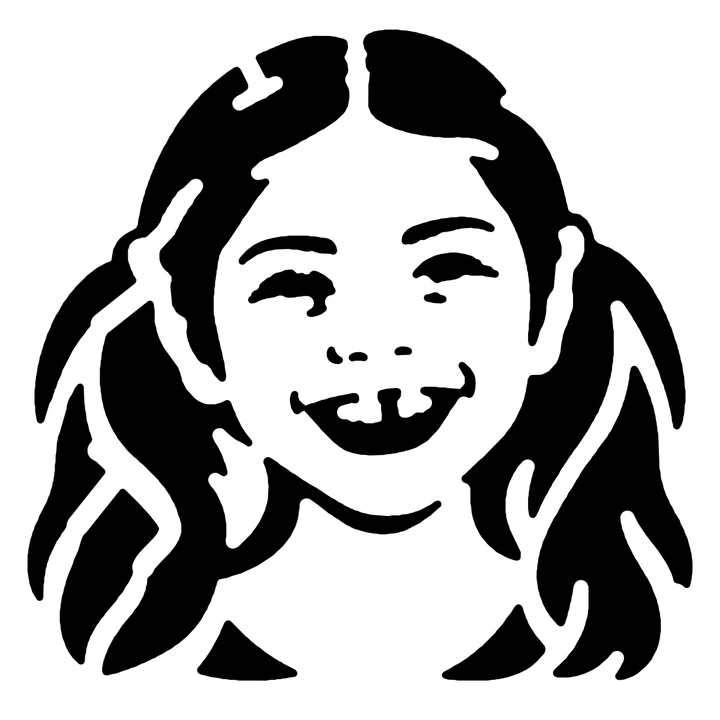
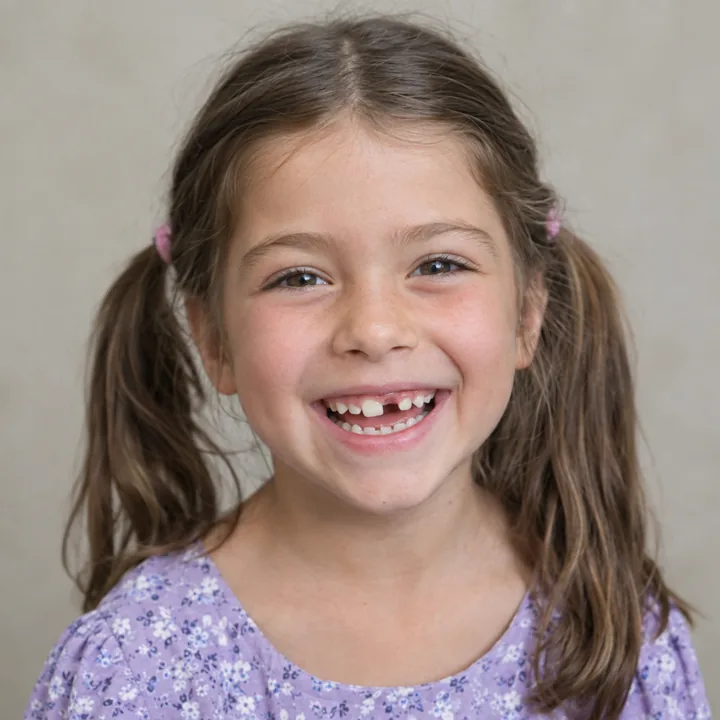
Your kid, your dog, a favorite character. We turn the photo into a printable carving pattern, then fix and check every piece at your print size.
$4.99 a pattern · one-time purchase · no account needed
Clearly doesn't resemble your subject? Request a refund within 30 days of purchase.
How it works
Three steps to the porch.
Choose a photo
One face or pet, close up, in good light. Crop it to one clear subject.
Get your pattern
A PDF that prints at exact size, plus a numbered carving map that suggests which piece to cut first.
Carve it and light it
Tape it on, poke the outline, follow the map. Our carving guide walks you through it.
Start here
Pick the photo they'll remember.
Choose a photo, crop it to one subject, and pick your print size. We draw three designs and check them for carving. Choose your favorite approved design as a printable pattern for $4.99.
Works well
- One face or pet, close up
- Bright, even light
- Plain background
- Facing the camera
Usually struggles
- Group photos or tiny faces
- Busy backgrounds
- Dark or blurry shots
- Several pictures in one
An example
From photo to glowing pumpkin.
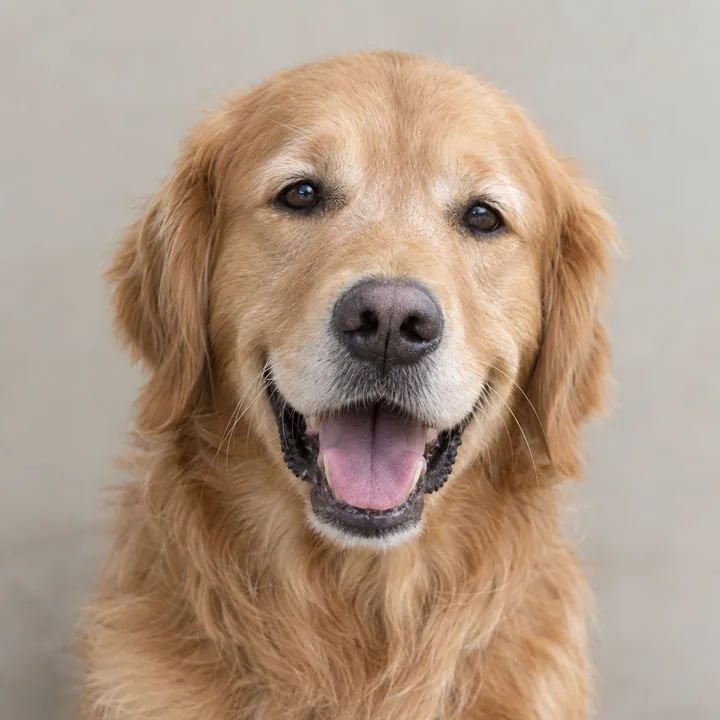
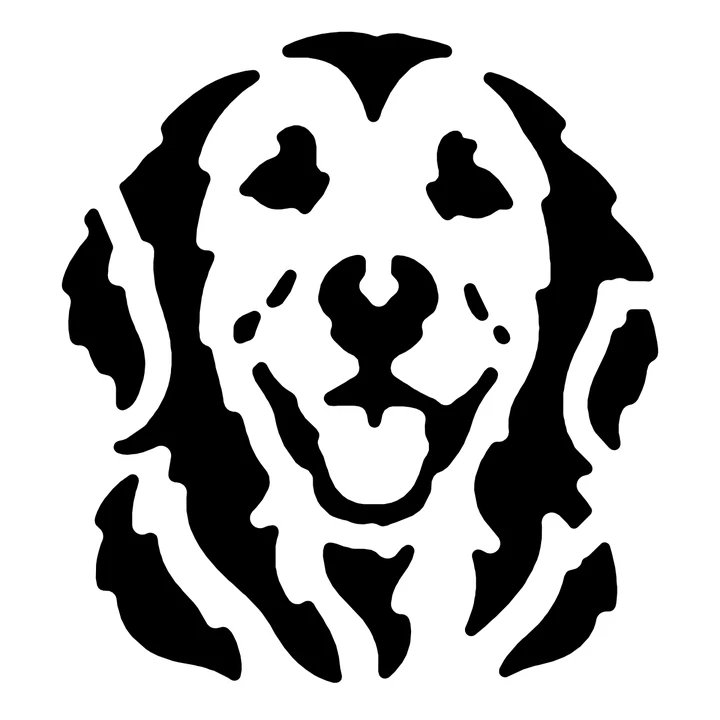
Golden retriever. Pet photo · Standard · 180 mm.
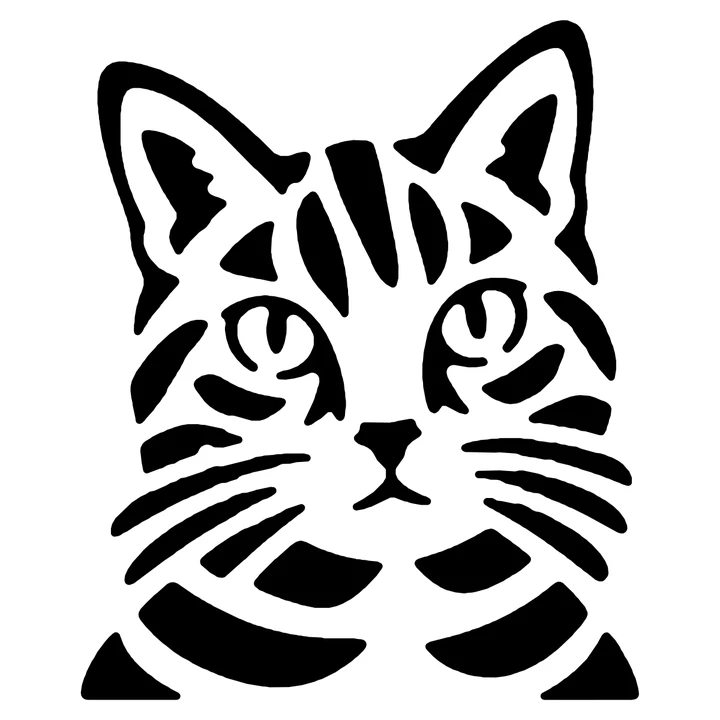
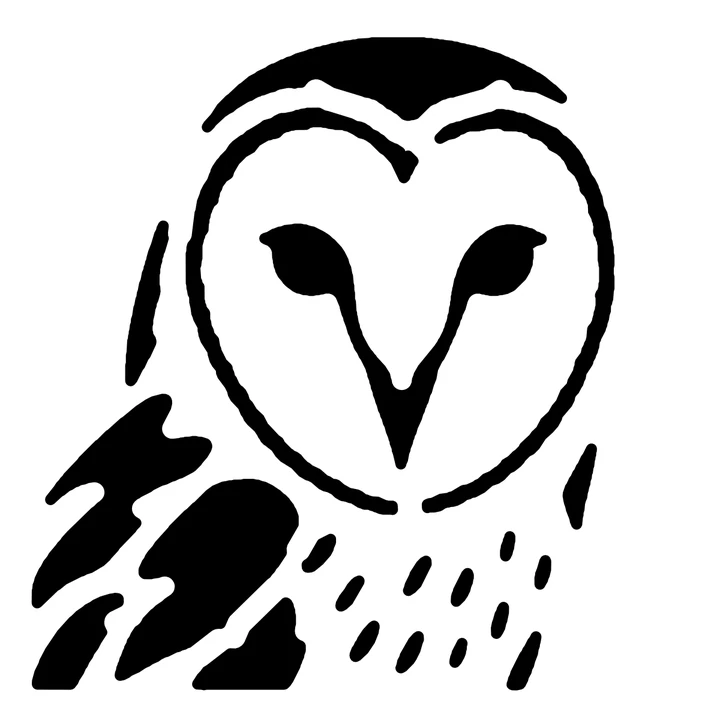
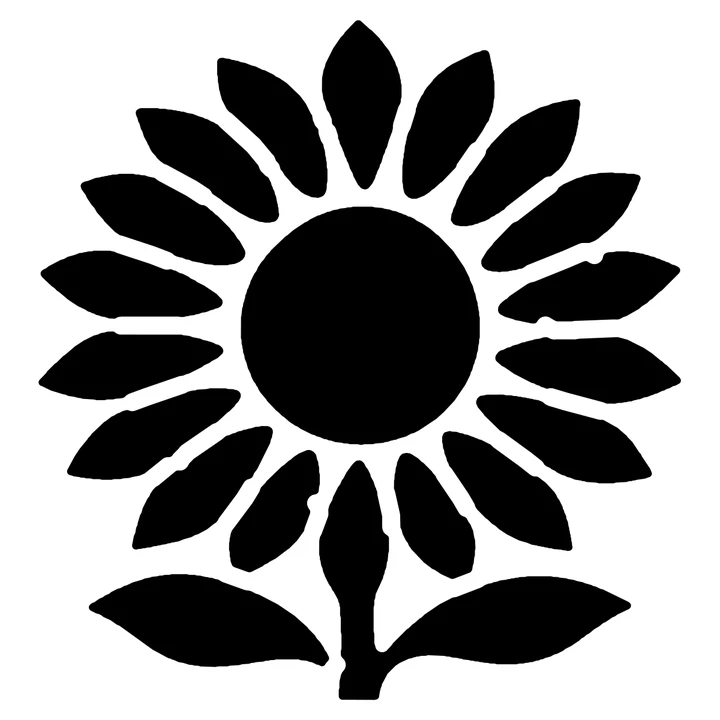
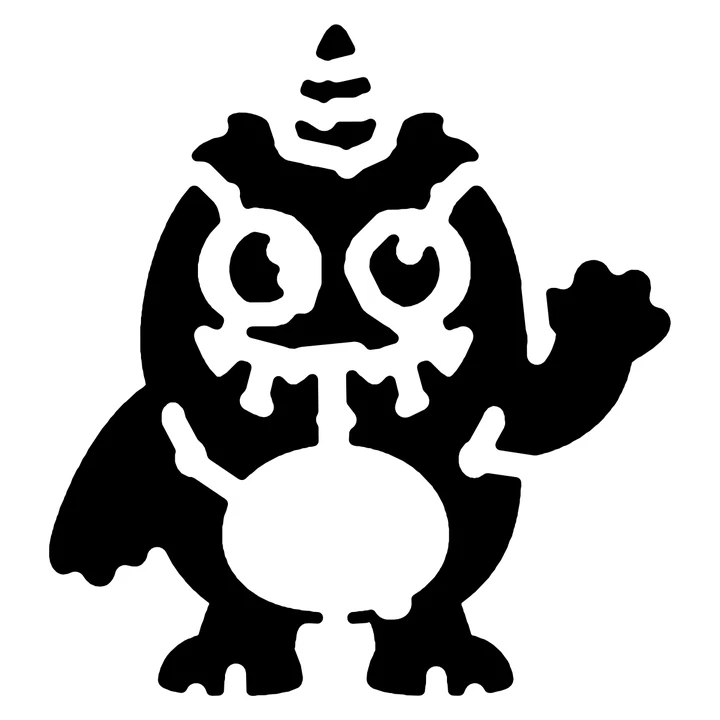
Digital previews of the carved patterns.
Carving night
A pumpkin for everyone.
Family pack: five patterns for $9.99, so everyone gets their own: the kids, the dog, grandma.
Save $14.96 vs five individual patterns at $4.99 each.About $2 per pattern · $9.99 total.
Confirm your email for a free account. Unused credits stay there and don't expire.
Get the Family pack · $9.99New to carving?
We'll walk you through it.Picking a pumpkin, transferring the pattern, cutting fine details, keeping it fresh.What kind of photo works best?
One clear subject that fills most of the square crop: a face, a pet, a character, a flower, or a simple logo you have the right to use. Bright, even light and a plain background help. Group photos, tiny faces, and busy scenes usually lose too much detail to carve.
Can't I just ask AI to make a pumpkin stencil?
AI can draw something that looks like a stencil, but it usually comes out backwards: the parts you cut glow, so dark hair ends up bright and a lit face goes dark. CarveKin draws your design the way it will look lit, so the light parts of your photo glow, and makes a few versions so you can pick your favourite. A stencil also has to be carvable: pieces can float free with nothing holding them, bridges can be too thin to survive, and fine details can vanish at print size. CarveKin fixes those problems in the actual pattern. It adds bridges to hold loose pieces, widens parts that are too thin, and clears away details too small to cut, keeping each change as small as it can. It also screens the pattern's structure with gravity in mind: if a face or another large area would hang from too little pumpkin and sag or break off, it adds supporting ribs, and it splits one huge cut into a few easier pieces. Then it checks the result at your print size. If a design can't be fixed without losing too much of it, we try again with a fresh drawing, and if that doesn't work either, we tell you instead of selling it. A real pumpkin can still vary, so look over your pattern before carving.
What if my photo doesn't make a good pattern?
Every pattern is repaired where it needs it and checked before you receive it. If we can't make a carvable pattern from your photo, your credit is not used: try a tighter crop or another photo, up to six attempts per credit. If it still doesn't work, we'll refund you.
How big is the pattern? Will it fit my pumpkin?
Choose Small (130 mm), Medium (180 mm), Large (240 mm), Extra large (300 mm), or a custom size from 120–350 mm. The size includes the white margin. Measure the flattest side of your pumpkin and allow at least an inch around the pattern. Larger sizes print across numbered Letter or A4 pages that you tape together. After unlocking, you can request another available size for free; each is remade and checked at its own size.
Is my photo private?
Yes. Your photo is never shown publicly. We send only your cropped photo to our image provider to create the design, and we delete the original and working images after 24 hours. You can delete a finished pattern at any time.
The photo is already on your phone.
Pick one, crop it, and choose your favorite checked design.